Where Math Meets Visual Art
Creative Coding & Interactive Web Playground
🌌 Digital Zen: Unleash Your Inner Artist with the Simple Pattern Generator
Have you ever wanted to visualize the beauty of math without writing a single line of code? The Simple Pattern Generator is a high-performance WebGL playground that puts the power of procedural generation right at your fingertips.
🎛️ Take Control of the Chaos
Forget static images. This is a living canvas. On the left, you’ll find your command center—a modern, dark-themed dashboard that lets you tweak the algorithm in real-time.
Here is what you can manipulate:
Grid Density: Zoom from giant, abstract blobs to intricate, fabric-like textures that ripple across the screen.
Radius & Rotation: Twist the underlying geometry. Watch as simple circles merge into liquid metal shapes or complex interference patterns.
RGB Phase Shifts: This is where the magic happens. By offsetting the Red, Green, and Blue channels individually, you can create everything from soothing monochrome ripples to electric, neon-soaked psychedelic storms.
Contrast (Gamma): Dial in the mood. Go soft and ethereal, or punchy and dramatic.
🚀 Why You’ll Love It
Instant Feedback: Powered by hardware-accelerated WebGL, the canvas updates at 60 frames per second. No loading bars, no waiting—just pure creation.
Hypnotic Visuals: The math behind the scenes creates "interference patterns" (similar to oil on water), ensuring that no two settings look exactly the same.
Design Inspiration: Perfect for creating abstract wallpapers, testing color palettes, or just zoning out for a few minutes of digital relaxation.
🌌 Carpethia: Weave the Hidden Fabric of Math
Are you ready to see what lies between the numbers?
If you enjoyed the liquid, undulating flows of the Simple Pattern Generator, it’s time to level up. While the former was a gentle introduction to waves, Carpethia is a precision instrument designed for the digital explorer. It doesn't just draw patterns; it slices through mathematical dimensions to reveal the intricate structures hidden underneath. The "Digital Loom" Concept
Carpethia works differently than anything you've played with before. Instead of simply piling shapes onto the screen, it generates a massive, invisible field of interference waves—and then hands you a laser scalpel.
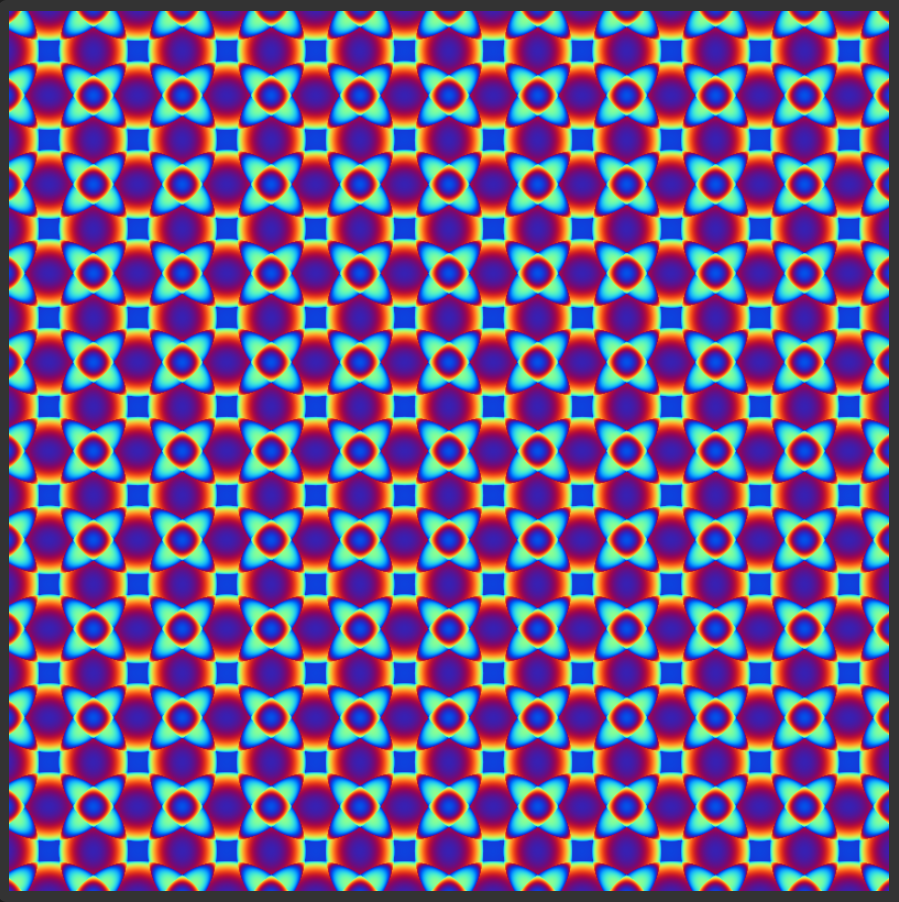
Using the Logic Gate controls, you slice through this field. By adjusting the Threshold Offset and Width, you isolate specific frequencies of the wave. The result? Chaotic noise suddenly snaps into structured order: ornate alien rugs, glowing circuit boards, and infinite geometric lace. Master the Controls
- The Logic Gate (The Slicer): This is your main tool. Slide the Offset to travel through the interference field. Keep the Width low to create razor-sharp, thin lines, or widen it for chunky, solid structures.
Interference Engine: Crank up the Frequency to create dense, detailed noise, then use Grid Rotation to twist the symmetry into new axes.
RGB Phase Shift: Like its predecessor, you control the color channels. But here, the colors separate the layers of depth, making your pattern look like a holographic projection.
Why Upgrade to Carpethia?
The Simple Pattern Generator is great for relaxation, but Carpethia is for discovery.
Every pixel is calculated in real-time on your GPU. The patterns you find are transient—shifting the slider by a fraction of a millimeter creates a completely new design. You aren't just watching an animation; you are hunting for the "Goldilocks zone" where math becomes art.
🌌 Digital Kaleidoscope: Where Math Meets Melody
Unleash Your Digital Psychedelia
Are you ready to turn raw mathematics into living, breathing art? Welcome to Kaleidoscope, a powerful generative visualization engine running right in your browser. This isn't just a pattern generator—it is a visual synthesizer that lets you weave light, geometry, and sound into a hypnotic digital tapestry.
Whether you are a VJ, a digital artist, or just someone looking to get lost in the flow, Kaleidoscope gives you total control over the chaos.
✨ Why You’ll Love It
🎛️ Geometric Alchemy
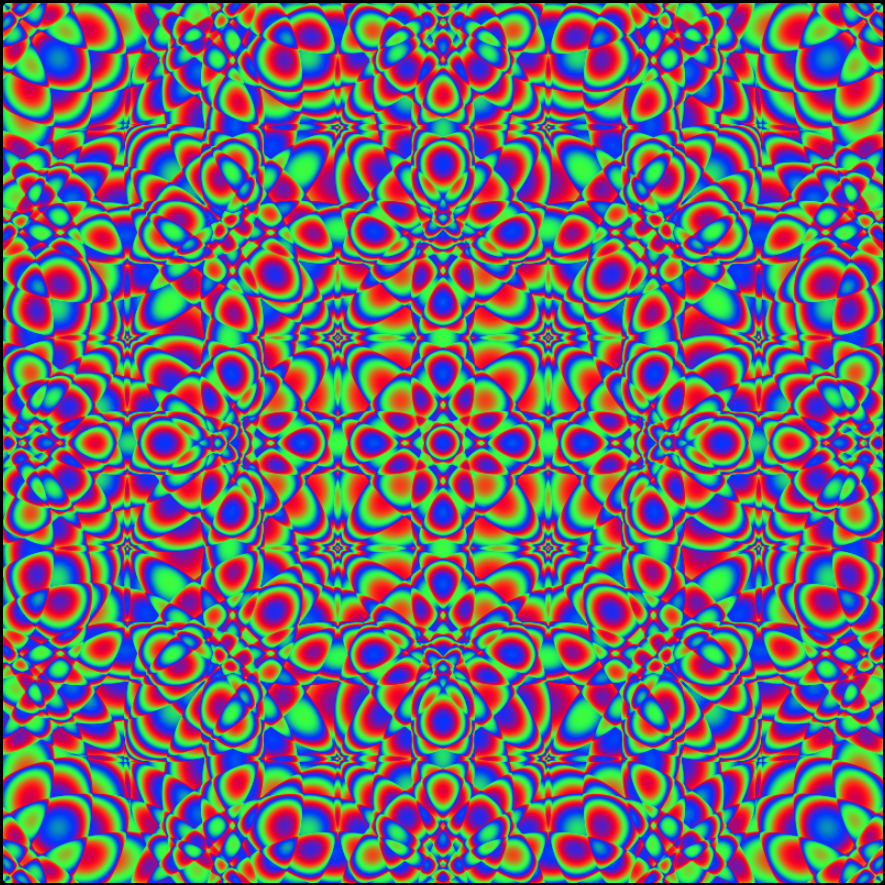
At its core, Kaleidoscope manipulates wave interference patterns. By adjusting the Half-Waves and Offset, you transform simple lines into complex, alien grids. Add the Sphere engine to render thousands of glowing orbs at the intersection of these waves, creating depth and texture that feels almost 3D.
🎵 See Your Sound (Audio Reactive)
This is the showstopper. Click "Start Audio Input" and route your system audio (or microphone) into the engine. But we didn't just give you a volume bar—we gave you a Matrix.
- Map the Bass to the Red channel for deep, throbbing pulses.
- Link the Treble to Blue for sparkling highs.
- Use the beat to modulate the geometry itself ("Epsilon Animation").
- Result: Your favorite music creates a unique, synchronized light show in real-time.
🎨 Cinematic Post-Processing
Don't settle for flat colors. Use the FX Panel to apply Gaussian blurs for a dreamlike glow, crank the Contrast for gritty visuals, or tweak the Gamma for deep, rich blacks. You can even switch Blending Modes (try XOR for glitch-art aesthetics!).
📹 Capture the Magic
Did you create the perfect loop?
- Save Image: Export high-res PNGs for wallpapers.
- Video Recording: Built-in loop recording. The tool can even auto-detect seamless loops based on your animation speed and stop recording automatically!
🚀 Quick Start Guide
1. Shape Your Reality
Go to the Left Sidebar. Slide the Half-Waves and Offset sliders. Watch how the pattern breathes. Adjust the Sphere Diameter to change the "grain" of the image from fine sand to massive orbs.
2. Paint with Light
On the Right Sidebar, play with the R, G, and B sliders. Want movement? Click the "Anim" button next to a color channel to make it cycle automatically.
3. Activate the Audio
- Click 🎵 Start Audio Input.
- Select the tab/window playing music (e.g., Spotify or YouTube).
- Scroll to the Audio Matrix. Set "Red Source" to BASS. Increase the Gain.
- Watch the visuals explode with the drop!
4. Remix & Randomize
Feeling stuck? Hit the purple 🎲 RANDOMIZE button. You might stumble upon a masterpiece by accident.
5. Save & Share
Found a setup you love? Type a name in the Presets box and hit "Save." Or, hit the Record button to create a video clip to share on social media.
🌌 3D Interference Lab: Where Pure Math Meets Digital Art
Have you ever wondered what the hidden architecture of the universe looks like?
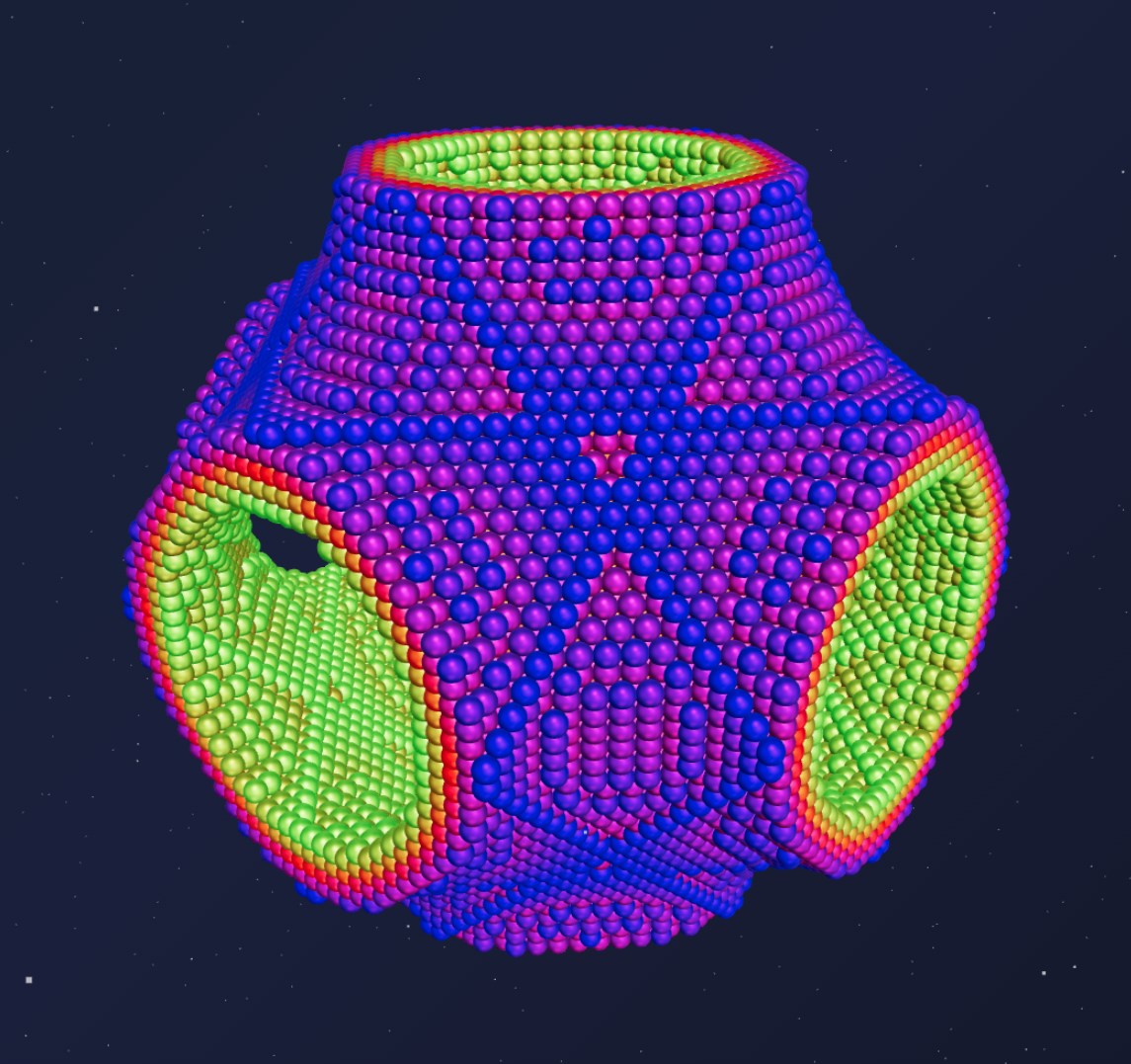
Welcome to the 3D Interference Lab, a cutting-edge WebGL experiment that transforms abstract mathematical equations into breathtaking, tangible 3D structures right in your browser. This isn't just a graphing calculator—it’s a digital sculpting studio where your chisel is trigonometry and your clay is light and geometry.
🚀 What is it?
At its core, this application visualizes Triply Periodic Minimal Surfaces (TPMS) and complex interference patterns. By scanning a 3D grid and evaluating a mathematical formula at every point (likef(x,y,z)=0), the app generates a "cloud" of thousands of particles—spheres, cubes, or diamonds—that reveal the shape of the equation.
Powered by Three.js and GPU acceleration, it renders tens of thousands of objects simultaneously, allowing you to fly through infinite crystal lattices and organic gyroid structures in real-time.
✨ Key Features
- 🧮 Live Formula Editor: Don't just watch—create! Type in your own equations (e.g., sin(x) * cos(y)) and watch the universe reshape instantly. Not a math whiz? No problem! Choose from stunning presets like the Gyroid, Schwarz Diamond, or Atomic Lattice.
- 💎 Photorealistic Materials: Make your math look like a masterpiece. Adjust Metallicity, Roughness, and Glass/Transmission settings. Turn your graph into polished gold, frosted glass, or rough concrete.
- 🎨 Smart Colorization: The "Smart Gradient" feature automatically paints your structure based on the mathematical intensity of the waves, creating trippy, heat-map style visuals.
- 💡 Studio Lighting: Change the mood instantly with HDRI environments. Switch from a clean Studio look to a moody Sunset or a deep Starry Night.
- 📷 Professional Camera Control: Switch between a standard Perspective view for immersion and an Orthographic view for precise, blueprint-like architectural visualization.
🎮 How to Use It
- Choose Your Base: Start with a preset from the dropdown menu (try Gyroid for something organic or Pipes for a tunnel effect).
- Tweak the Grid: Use the Grid Size slider to increase resolution (more particles = smoother shapes) and the Tolerance slider to thicken or thin out the walls of your structure.
- Style It: Scroll down to Material & Shape. Switch the geometry from Spheres to Cubes for a "Minecraft" voxel look, then crank up the Metallicity to make it shine.
- Explore: Click and drag to rotate, scroll to zoom. Dive inside the structure—it generates infinitely in all directions based on the math!
⚡ Why It’s Cool
This app bridges the gap between science and art. It demonstrates how simple sine and cosine waves—the same math behind music and radio—can combine to form the complex shapes found in nature, from butterfly wings to bone structures.
🌌 Unleash the Math: The Moire Pattern Generator
Where Pure Geometry Meets Cyberpunk Art
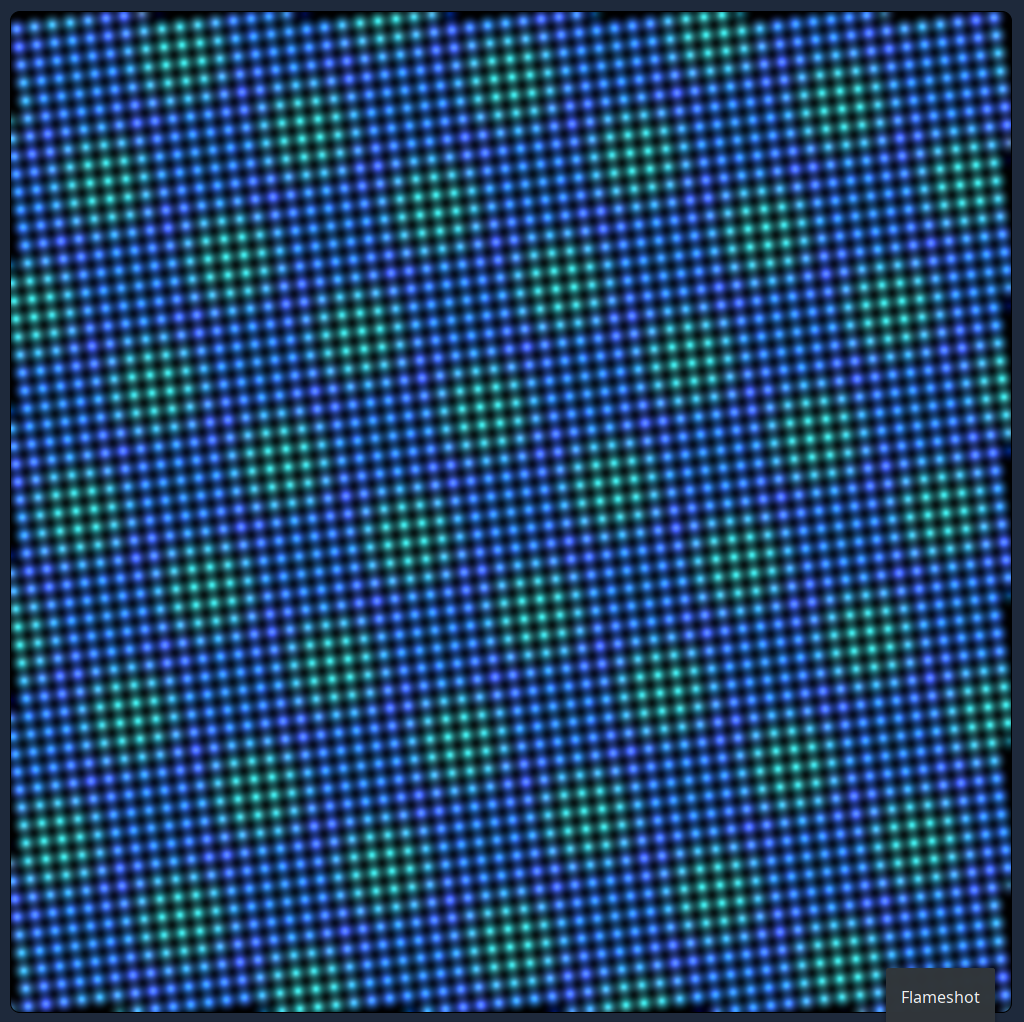
Are you ready to turn raw mathematics into mesmerizing visual art? Welcome to the Moire Pattern Generator, a sleek, browser-based tool that harnesses the immense power of WebGL to render thousands of glowing particles in real-time. This isn’t just a drawing tool; it is a window into a mathematical universe of wave interference and constructive beauty.
🚀 Under the Hood
Forget static images. This application forces your Graphics Processing Unit (GPU) to calculate complex sine wave intersections for tens of thousands of points simultaneously. The result? A fluid, living canvas that reacts instantly to your command. The deep blue, neon green, and fiery red colors aren't arbitrary—they represent the "height" of the mathematical waves, creating a topological map made of pure light.
🎛️ Your Control Center
The interface is designed with a modern, "dark mode" aesthetic that puts the focus on the light show. Here is how you control the chaos:
- Wave Density: The heartbeat of the simulation. Crank it up to create tight, vibrating high-frequency textures, or dial it down for smooth, ocean-like swells.
- Rotation: Spin the underlying coordinate system to watch the interference patterns shift and morph in hypnotic ways.
- Point Radius: Go from a subtle dusting of pixels to massive, bokeh-style orbs that blend together into a sea of light.
- Precision / Threshold: The magic slider. This controls the "water level." Slide it up to isolate only the highest energy peaks (red/hot zones), creating sparse, starry constellations. Slide it down to reveal the full, dense fabric of the wave.
- Brightness / Alpha: Control the intensity of the glow. Perfect for fine-tuning the atmosphere from a faint ghost to a blinding neon sign.
✨ Why You’ll Love It
Whether you are a digital artist looking for abstract textures, a math geek fascinated by trigonometry, or just someone who needs a moment of visual zen, this generator is a playground for your eyes.
Have a Crazy Idea?
Whether you need a generative brand identity, an interactive 3D website, or just want to visualize a complex concept—let’s bring it to life.